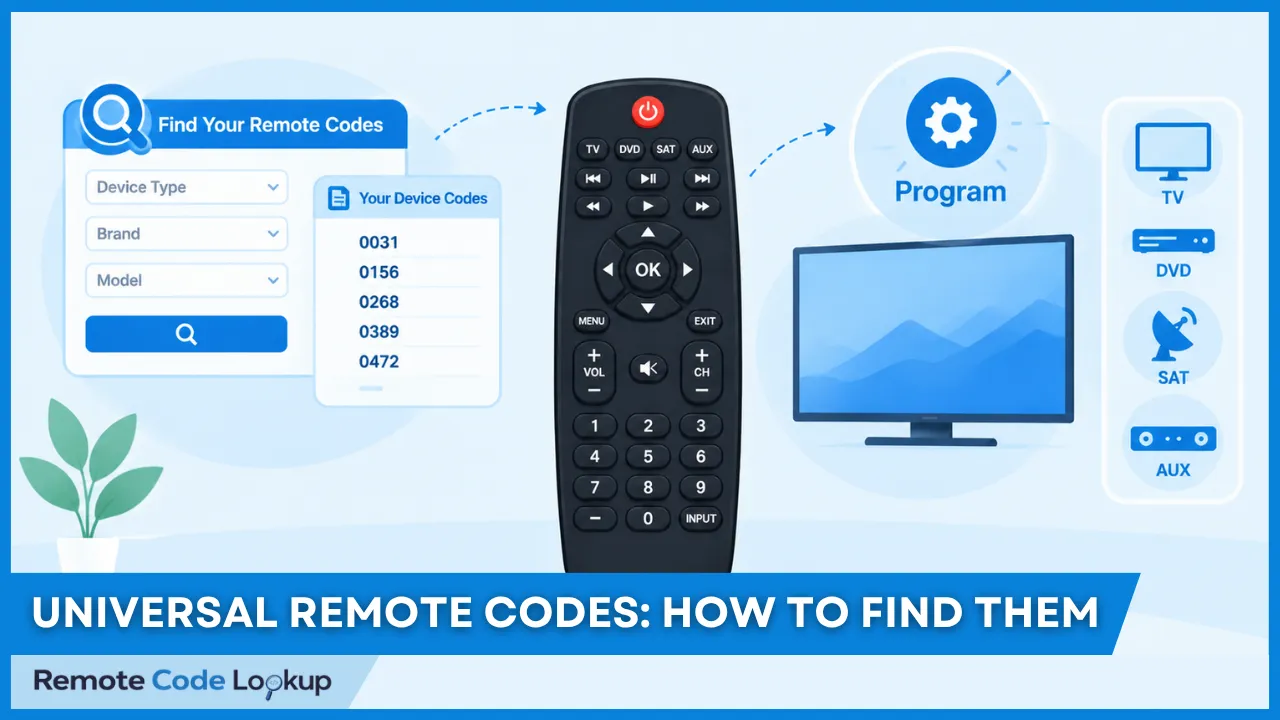
Universal remote codes, also known as remote setup codes or device codes, refer to numerical sequences used to program a universal remote control to send the appropriate commands to a specific device. They are needed because different devices use different infrared signals and command protocols, and they work by linking a code to a device, brand, model, or command set.
Not all universal remotes require manually entered codes, and codes can vary by remote brand, model, device type, and code format. Replacement remotes also use their own code systems, so their codes may differ from those of original remotes.
You can find universal remote programming codes through official code lists, online remote code lookup tools, manufacturer resources, or automatic code search, and then use them to program the remote. Some remotes can also be programmed without manually entering a code.
If a code does not work, another compatible code or automatic search may help. Some codes may control only certain functions, while multiple codes may work for the same device. Universal remote codes can also differ by country or region.
What Are Universal Remote Codes?
Universal remote codes are number sequences stored in a universal remote’s built-in code database that select a compatible set of commands for a particular device brand, model, or device type. They allow a single remote to control different types of consumer electronics, including televisions, DVD and Blu-ray players, soundbars, cable boxes, and streaming devices. Depending on the remote, these codes can be entered manually, selected through automatic code search, or configured through a remote programming method.
Why Do Universal Remotes Need Codes?
Universal remotes need codes because different manufacturers use different infrared (IR) signals and command protocols for their devices. A code tells the remote which set of commands to transmit for a particular brand or device type, allowing functions such as power, volume, channel, and playback to work correctly. Without a compatible code, the remote will send signals that the device does not recognize.
How Do Universal Remote Codes Work?
Universal remote codes work by associating a numerical code with a compatible command set for a specific device brand, model, or device type stored in the remote’s built-in code database. When the correct code is selected, the remote configures its buttons to transmit the corresponding infrared commands to the target device. The code is entered directly or selected by cycling through available codes during setup.
Does Every Universal Remote Use Codes?
No, not every universal remote requires users to enter traditional numerical codes. Some remotes use automatic code search, device detection, a stored device database, or app-based programming to identify compatible commands. These methods still use device-specific command information, even when a numerical code is not displayed or entered manually.
Are Universal Remote Codes the Same for Every Remote Brand?
No, universal remote codes are not necessarily the same across different remote brands, models, and product generations. A television manufacturer may have different codes listed for different universal remote brands because each remote uses its own programming database and command structure. A code is therefore specific to the combination of the universal remote and the device, so the same device may require different codes when controlled by different universal remotes.
However, different device brands may sometimes use similar codes. For example, Akai, Curtis Mathes, Hitachi, JC Penny, Roadstar, and Toshiba may use remote codes similar to that of Samsung on some universal remote code lists. You can check the list of brands that use similar remote codes to find another compatible code to try if your device’s brand is not listed in the code list or none of the listed codes work.
What Are the Different Types of Universal Remote Codes?
The different types of universal remote codes are brand codes and device codes. Brand codes are typically a single digit code associated with a particular device manufacturer or brand, while device codes are assigned to compatible devices and can contain 3, 4, or 5 digits, depending on the remote’s programming system. A code list may contain multiple codes for the same device brand because different codes can correspond to different models or command sets. The number of digits does not indicate better functionality or compatibility.
Some universal remote brands also organize their codes by different code list versions. For example, GE universal remotes use CL3, CL4, CL5, and CL6, where CL stands for Code List and the number indicates the applicable code list version. The code list version of a GE remote is found inside the battery compartment. As a result, the same device may have different codes depending on which GE code list or remote version applies. Users should therefore use the code list that matches their specific remote model rather than assuming that a code from another version will work.
Do Replacement Remotes Use the Same Codes as Original Remotes?
No, replacement remotes do not necessarily use the same codes as original remotes. A replacement remote has its own code database, code format, or command mapping, even when it is designed to control the same device. The appropriate code should therefore be selected according to the replacement remote’s code list or setup instructions.
How Do You Find the Remote Codes for Your Device?
You can find the remote codes for your device in the universal remote’s code list or user manual, through an online code lookup tool, from the manufacturer’s support resources (online code databases), or by using the remote’s automatic code-search function. The correct code depends on the remote model, device manufacturer, device type, and device model.
Online code lookup tools help you find compatible codes by selecting the remote brand or model, device type, and device manufacturer. If you use a GE, RCA, or Philips universal remote, you can use the corresponding lookup tool to find GE universal remote codes, RCA universal remote codes, or Philips universal remote codes for your device. Once you find a code, you can enter it while the remote is in setup or programming mode and test the remote’s commands. If the listed code does not work, try another compatible code or use automatic code search to identify a working code.
How Do You Use a Remote Code to Program Your Remote?
To use a remote code to program a universal remote, use Direct Code Entry method – put the remote in programming mode, select the appropriate device type, enter a compatible remote code, save the code if needed (depending on the remote), and test whether the remote controls the device correctly. The exact procedure varies by remote brand, model and the device to be controlled, so follow the programming method prescribed by the remote manufacturer or brand.
Can You Program a Universal Remote Without Codes?
Yes, most universal remotes (except commercial & hospitality remotes and legacy cable/satellite set-top box remotes) can be programmed without manually entering a numerical code. They use programming methods such as Automatic Code Search, Brand Code Search, Manual Code Search, Infrared (IR) Code Learning, PC-based and app-based programming. These methods are useful when the correct code is unknown or unavailable.
What Should You Do If a Remote Code Does Not Work?
If a remote code does not work, you should try another code listed for the same remote and device, or use automatic code search if the remote supports it. A code may fail because it is incompatible with the specific remote and device combination or because it does not provide complete command support.
Why Do Some Universal Remote Codes Fail?
Some universal remote codes fail because they do not match the specific remote and device combination, or because the remote does not support the device’s command set. Even the codes listed for the same manufacturer may work differently across remote and device models.
Why Do Some Remote Codes Control Only Some Functions?
Some remote codes control only some functions because they support only a subset of the device’s available commands. For example, basic functions such as Power or Volume may work while specialized functions remain unavailable because those commands are not included in the selected code set.
Why Do Some Devices Have Multiple Valid Remote Codes?
Some devices have multiple valid remote codes because different codes can represent compatible command sets or device models. More than one code may control the same device, although the functions available through each code can differ.
Do Universal Remote Codes Differ by Country or Region?
Yes, universal remote codes can differ by country or region, although this is not always the case. Differences may result from regional device variants, remote models, or programming databases used in different markets.