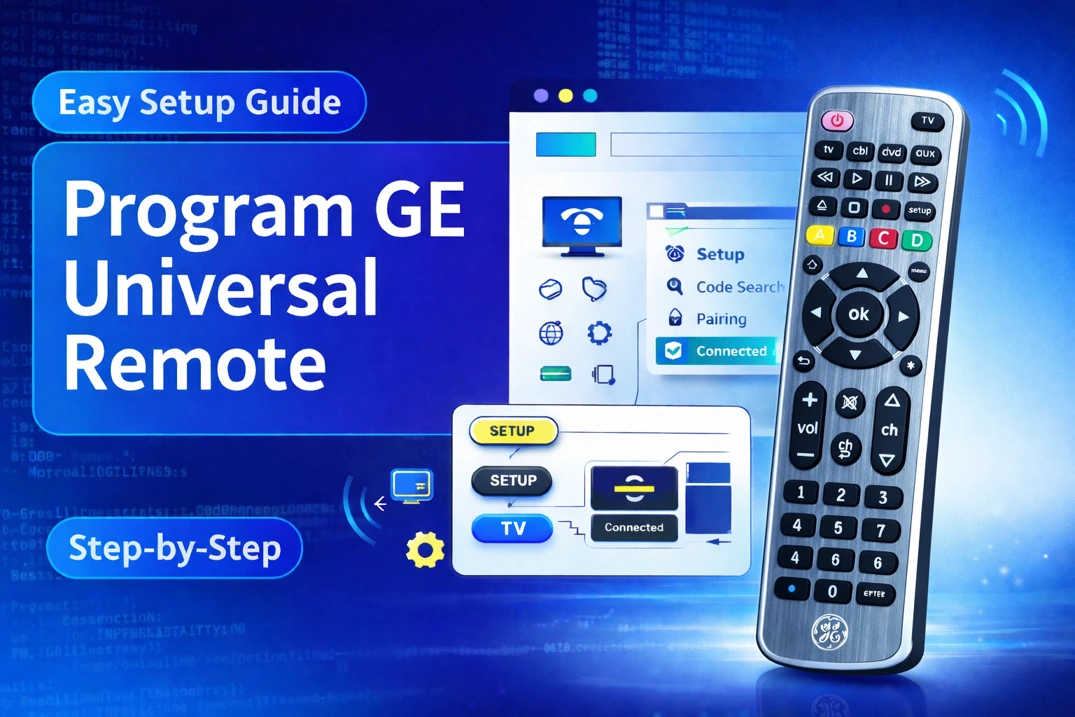
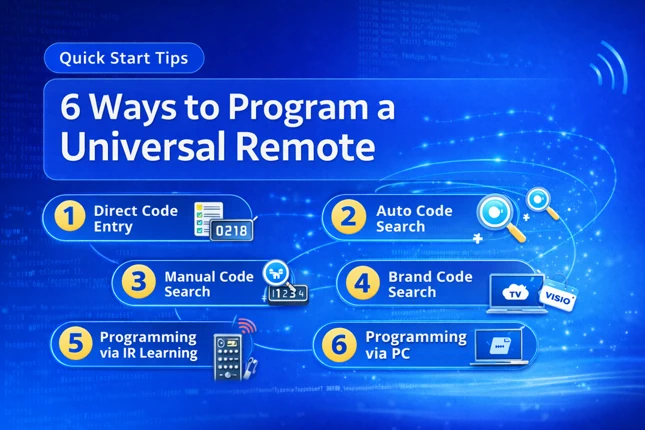
Code Type
Device Type
Brand
Note: The codes are compiled from multiple sources, so only a subset will be compatible with your specific remote model.
Code Entry Instructions
- Press and hold the mode button corresponding to your device (e.g. TV, DVD, AUX) until all other mode buttons light up.
- Enter the first code listed for your device.
- Press the hash (#) button. If your code is valid, the mode button will blink thrice.
- Test the remote by pressing the Power button. If you device turns off, turn it on back and try other buttons. If not, repeat the steps with another code listed for your device.
If you find any code that is missing, incorrect, outdated, or incomplete, you can report it here.