Remote Version
Device Type
Brand
Note: The codes are compiled from multiple sources, so only a subset will be compatible with your specific remote model.
Code Entry Instructions
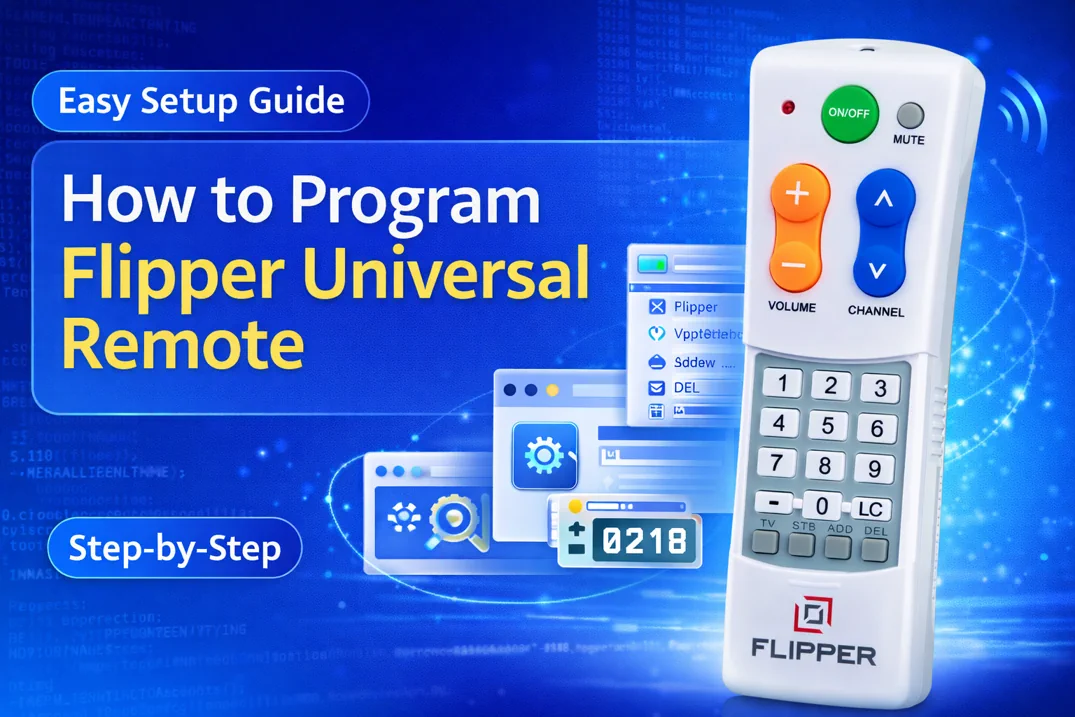
- Press and hold the TV or STB or LC button until the red led lights up.
- Enter a code for your brand that you found out from the above tool.
- Test the CHANNEL+/- and VOLUME+/- buttons. If it properly work, you are done. If not, repeat the steps using the next code available for your brand until you find the one that works.
Notes:
- If you have both TV and STB, you need to program them separately. Choose TV for VOLUME and STB for CHANNEL. In the remote version 6 and above, you can also pair a soundbar and for this, you need to press LC button in step 1.
- If you wish to program your TV only, map the CHANNEL buttons to the TV by pressing and holding the TV button until the red light turns on. Then enter the code 970.
Can’t Find your Brand or Device?
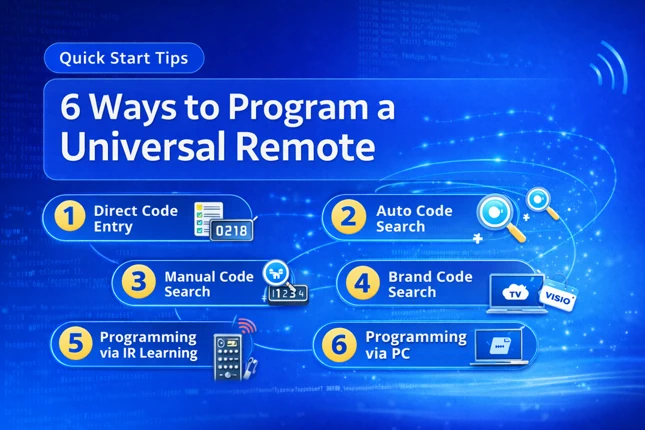
If you can’t find your device or brand listed in the lookup tool, the alternative methods to program your remote are auto code search and IR learning. For detailed instructions to perform these methods, you can read our article on programming flipper universal remote.
If you find any code that is missing, incorrect, outdated, or incomplete, you can report it here.