Code Type
Device Type
Brand
Note: The codes are compiled from multiple sources, so only a subset will be compatible with your specific remote model.
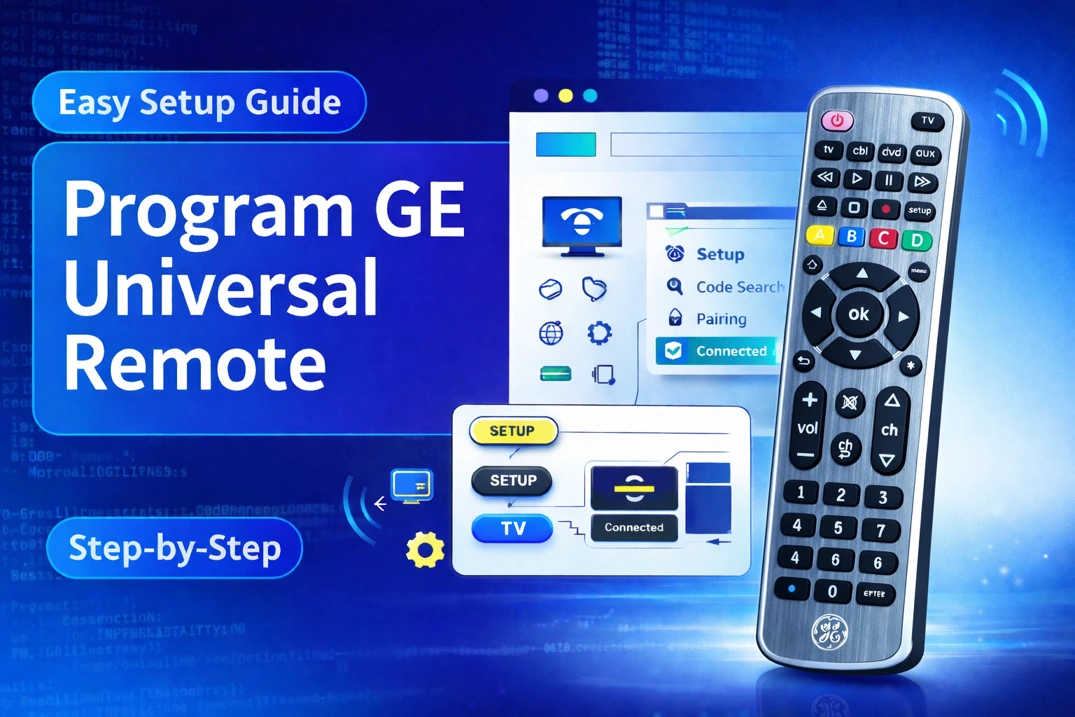
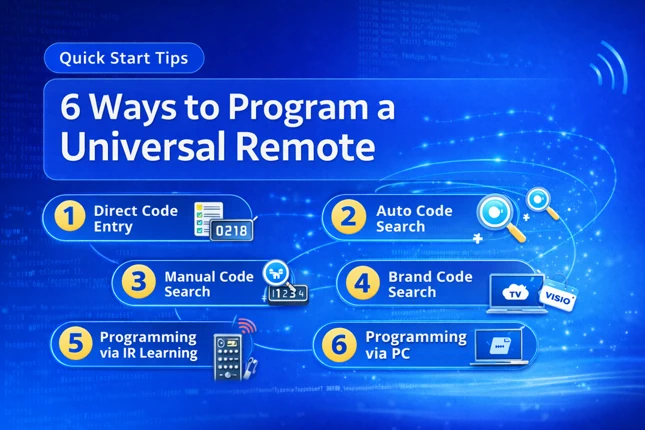
Code Entry Instructions
- Turn on the device you want to control.
- Press and hold the CODE SEARCH button until the red LED stays on.
- Press the device button for the device you wish to program (e.g., TV, DVD, VCR, etc.). The LED will flash once and stay lit.
- Enter a code for your brand. If the code is valid, the red LED indicator will turn off. If it’s invalid, the LED blinks, so repeat the procedure with the next code. Do this until you find a fully working code.
- Press the Power button. If the device turns off, press it again. If the device powers on and other buttons work correctly, you have found the right code. If not, repeat the process with the next code for your brand.
Note: To program the Harbor Freight Tools Item 61959 or any Jumbo remote with a MUTE instead of a CODE SEARCH button, press and hold the device button until the red LED light turns on, then enter the 4-digit code.
If you find any code that is missing, incorrect, outdated, or incomplete, you can report it here.