Code Type
Device Type
Brand
Note: The codes are compiled from multiple code lists, so only a subset will be compatible with your specific remote model.
Code Entry Instructions
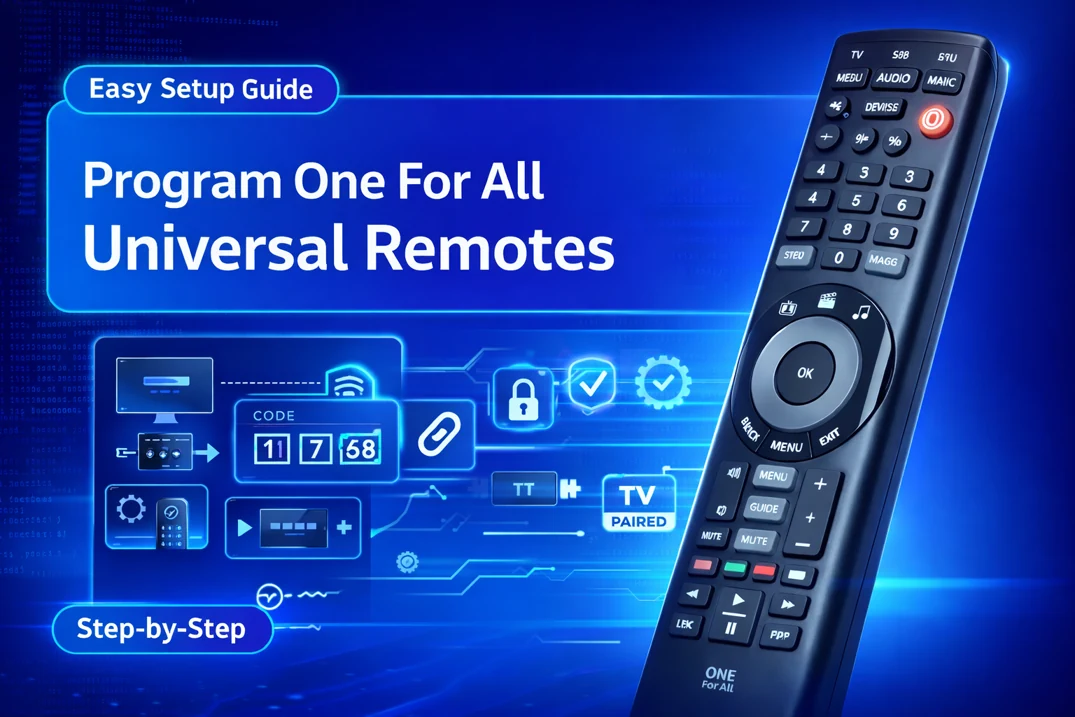
- Press and hold the MAGIC key until the LED below the current device mode turns on and stay lit.
- Press the DEVICES or MODE key repeatedly until the LED for your preferred device stays on.
- Enter a code listed for your brand. The LED will blink twice and turn off.
- Aim the remote at your device and press the POWER button. If your device turns off, your remote is programmed. If not, repeat the steps with the next code listed for your brand.
Can’t Find your Brand or Device?
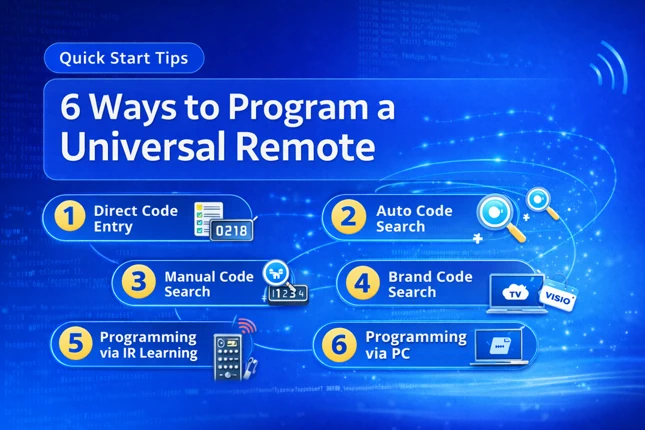
If your device or brand name is not available in the code lookup tool, program your remote using mother methods such as SimpleSet code search. To learn more, read our article on how to program one for all universal remotes.
If you find any code that is missing, incorrect, outdated, or incomplete, you can report it here.