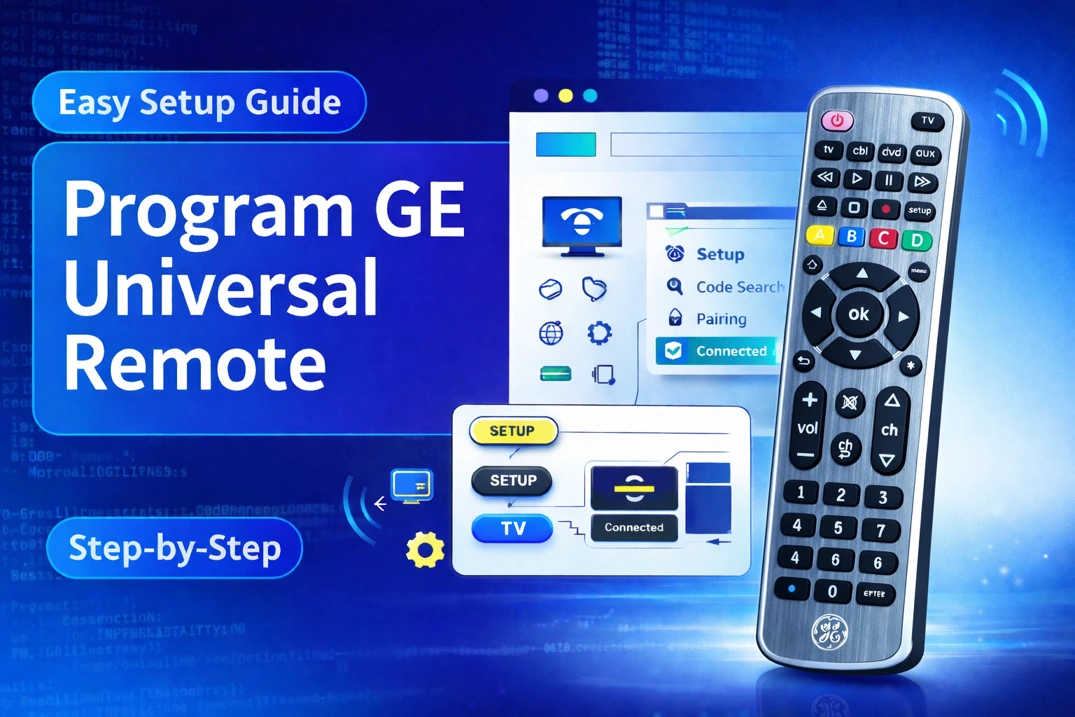
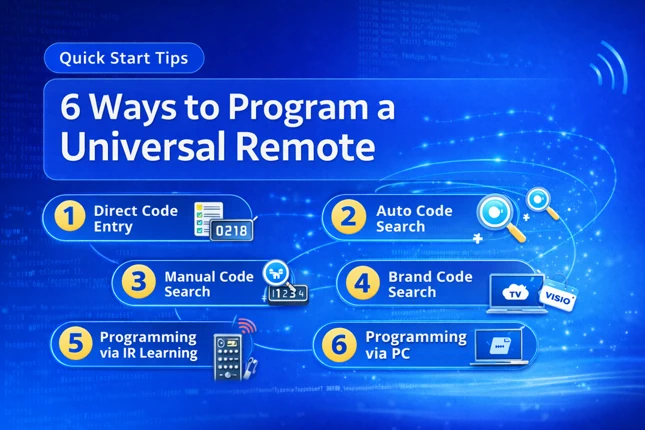
Remote Type
Device Type
Brand
Note: The codes are compiled from multiple code lists, so only a subset will be compatible with your specific model.
Code Entry Instructions
- Turn on your device.
- Activate programming mode:
- Altice One/Digital Adapter/Maestro XL: Hold TV Power + SELECT/OK until the light blinks twice.
- UR2-CBL-CV04: Hold TV + SEL for 3 seconds until the “iO” button lights up.
- URC2464: Hold TV Power + SEL until the “O.” blinks twice.
- Polaris: Hold SETUP until TV Power blinks twice.
- Atlas: Press the mode key (e.g., TV), then hold SETUP until it blinks twice.
- Pulse IR & RF: Hold SETUP until the LED blinks twice.
- Delta: Hold SET until the red LED blinks twice.
- Enter the Code.
- Test the Remote: Try Power, VOL+/-, and MUTE. If buttons work, setup is complete. If not, repeat with another code. For UR2-CBL-CV04: Press MUTE to turn the TV on, then press the TV button to save the code (iO button blinks to confirm).
If you find any code that is missing, incorrect, outdated, or incomplete, you can report it here.