Code Type
Device Type
Brand
Note: The codes are compiled from multiple sources, so only a subset will be compatible with your specific remote model.
Code Entry Instructions
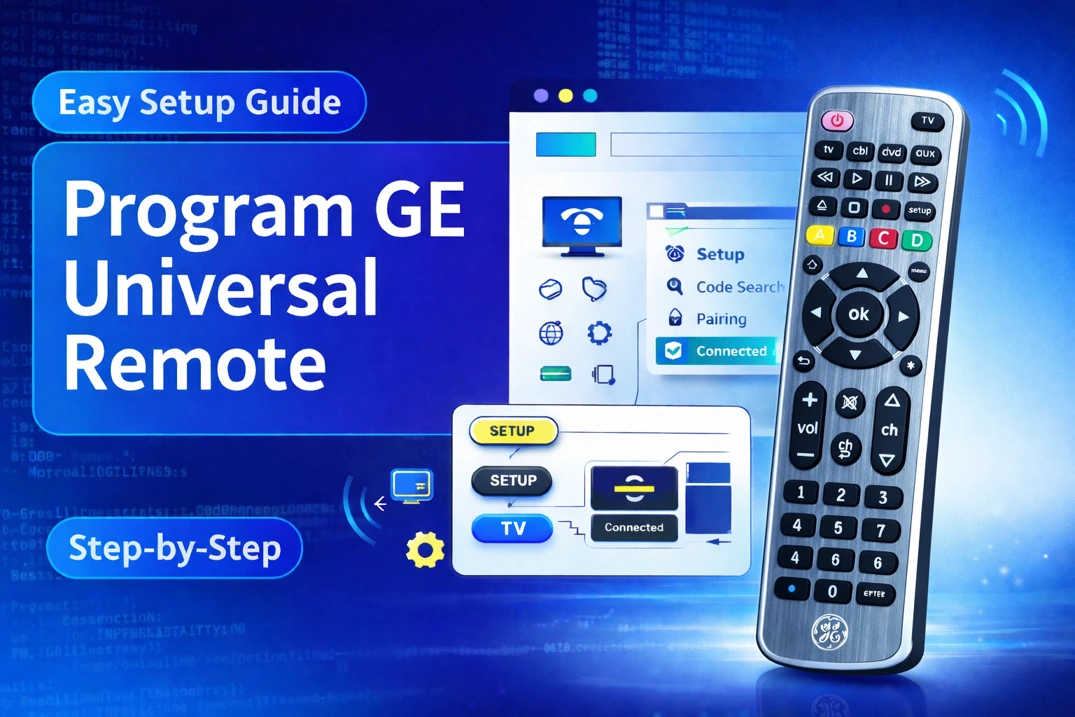
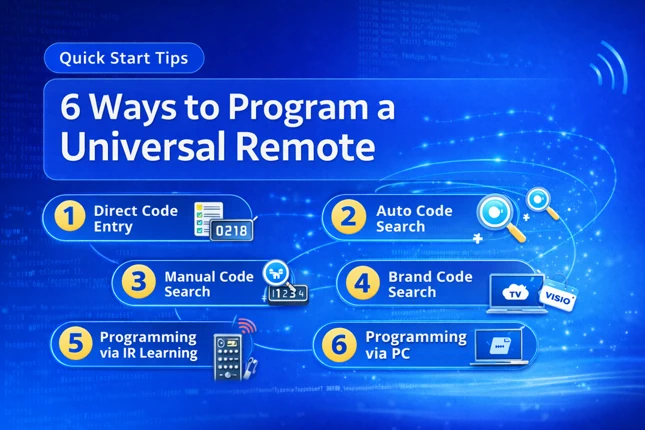
- Press and hold SET for 3+ seconds until the LED lights up. While holding SET, press the desired device button (e.g., TV or DVD), then release both. The selected device button lights up.
- Enter the 5-digit code (which you found out from the lookup tool). The LED flashes 3 times, then turns off.
- Test commonly used buttons. If it doesn’t work, try the next code for your brand.
If you find any code that is missing, incorrect, outdated, or incomplete, you can report it here.