Code Type
Device Type
Brand
Note: The codes are compiled from multiple sources, so only a subset will be compatible with your specific remote model.
Code Entry Instructions
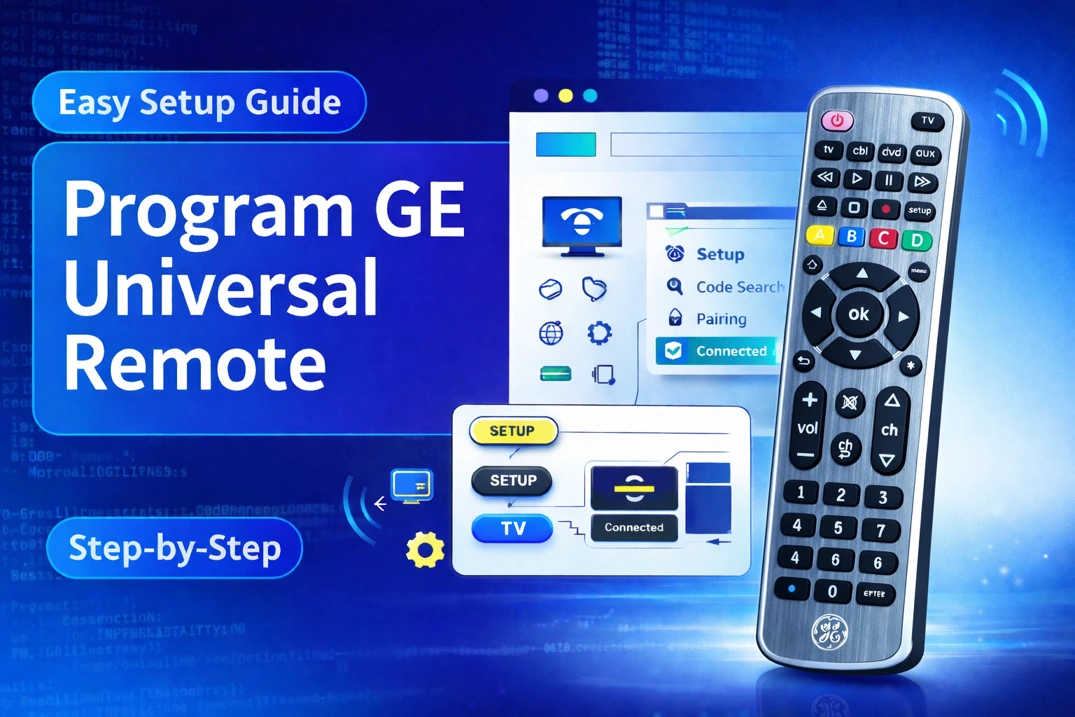
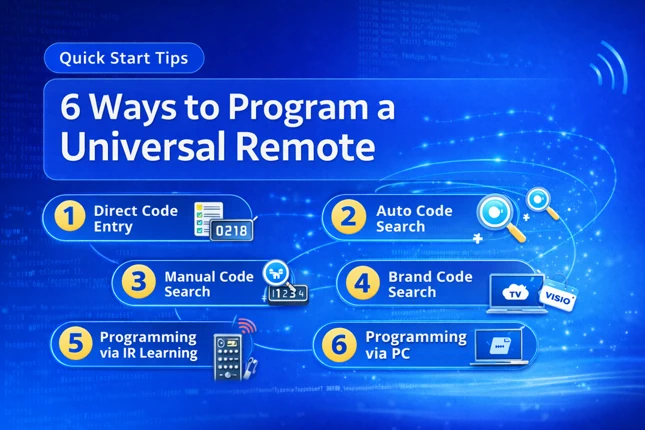
- Press and hold the device key (e.g., TV, AUDIO, etc.) for 6 seconds. All device LEDs will light up, and the selected device LED will stay on.
- Enter a 4-digit code. The LED briefly turns off after each digit. If the code is valid, the LED blinks three times. If invalid, the LED turns off.
- Test the code by pressing POWER. If the device responds (turns off), the setup is complete. If not, repeat the steps with the next code for your brand.
If you find any code that is missing, incorrect, outdated, or incomplete, you can report it here.